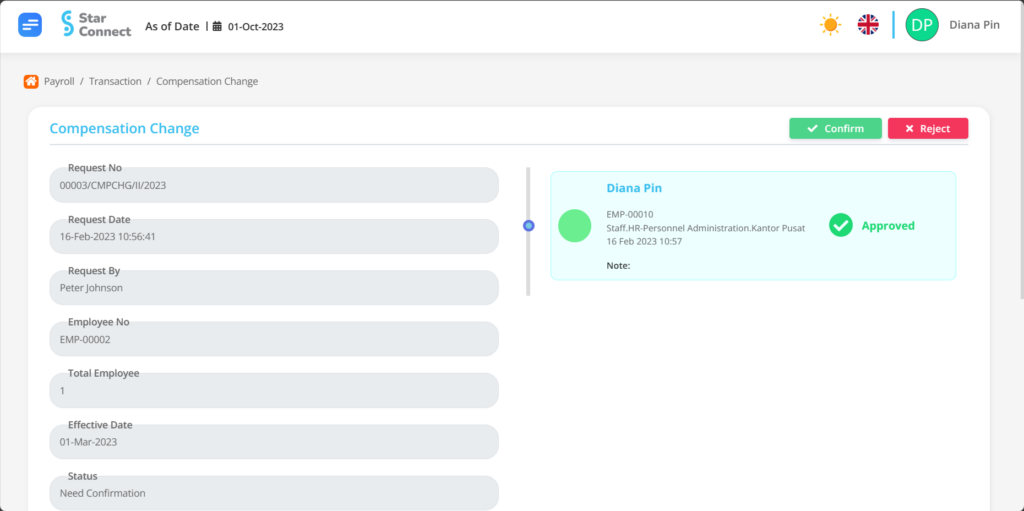
Admin can review and approve confirmation or rejection of compensation change applications on this page.
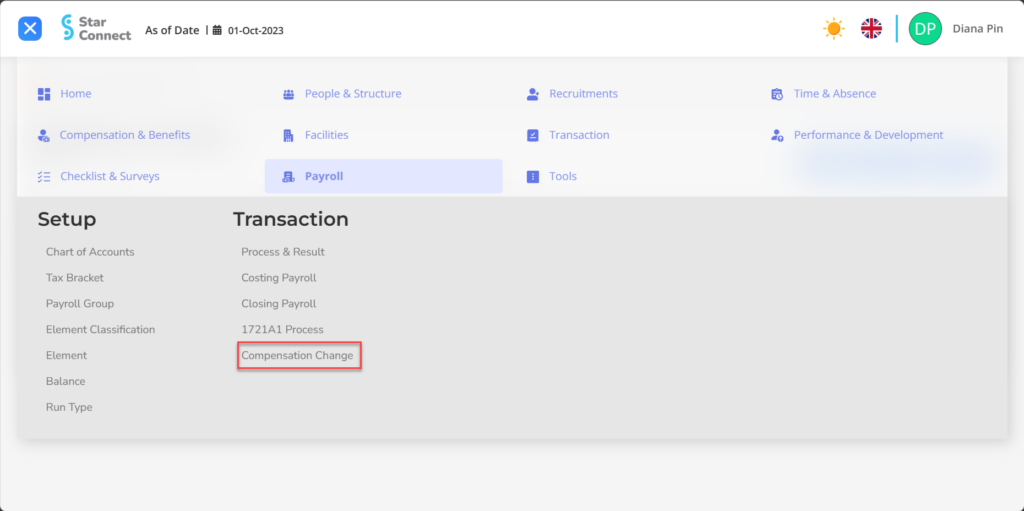
1. On the Payroll Menu → Select Compensation Change.

2. Click request to view the Compensation Change application..

3. If you agree to all the information in the Compensation Change request, then the final step is to do it Confirmation with a click button  at the very top of the Compensation Change page. Or click the button
  to reject the request.