Career Evaluation is a feature that you can use as Evaluator for provide scores/values for the work on an employee's competency questions in accordance with the Job Competency-her, Later, based on the suitability of the assessment target, it will be determined whether the employee's competency is good enough or whether there are gaps that need to be addressed.
Here is how access menu Evaluation:
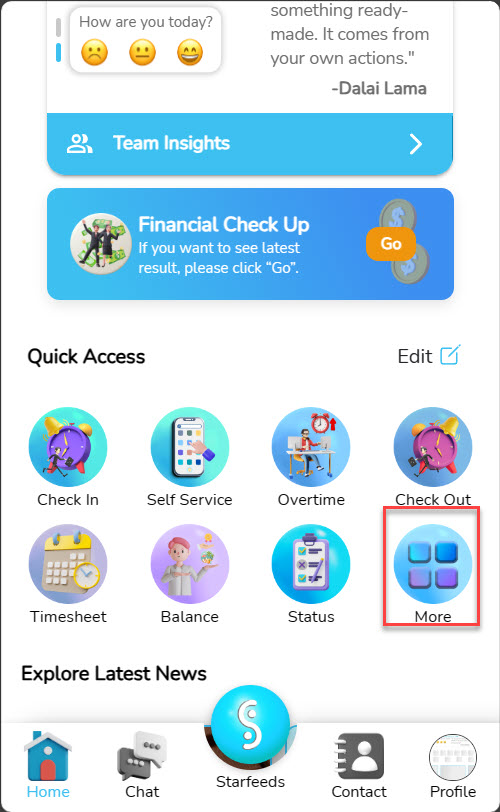
1. Click the button More in part Quick Access Of main page application.
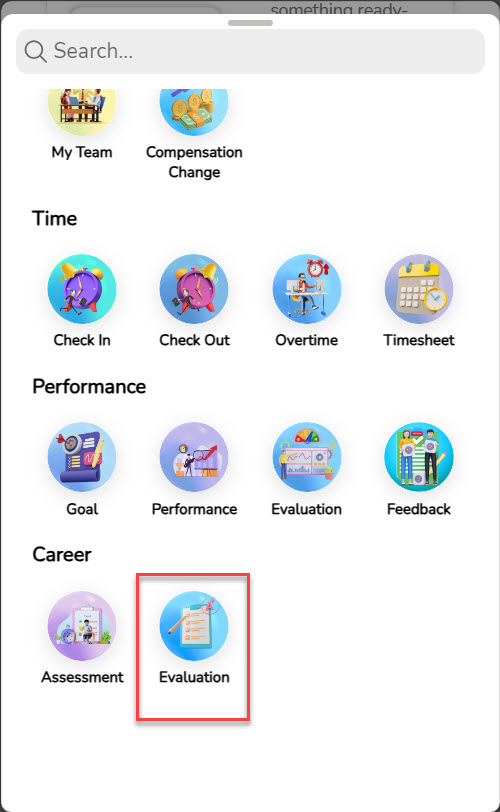
2. The contents of the More menu and sections will be displayed Career, click the button Evaluation.
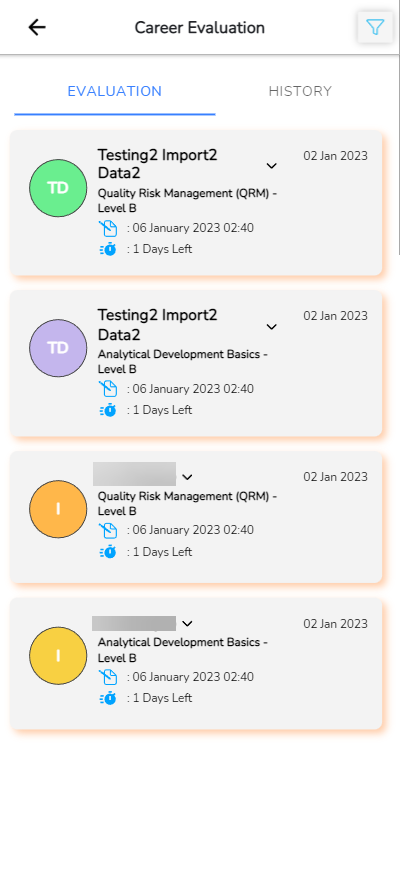
3. Halaman Evaluation accessed successfully.
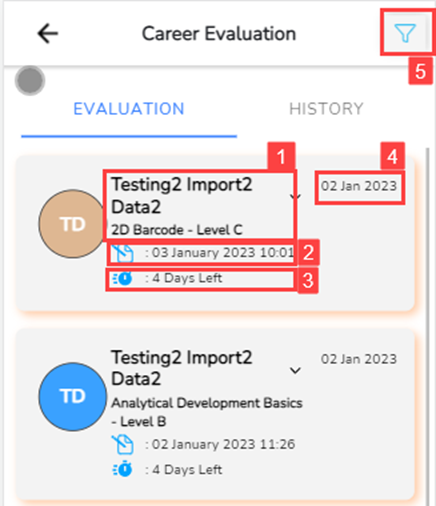
Here is an explanation of appearance on the Career Evaluation menu:
| No | Feature | Information |
| 1 | 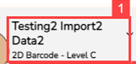 | This section shows Employee Name and Competency and level from the Assessment that has been carried out |
| 2 |  | This section shows access date employees towards Assessment |
| 3 |  | This section shows countdown time the assessment expired |
| 4 |  | This section shows period from the assessment |
| 5 | 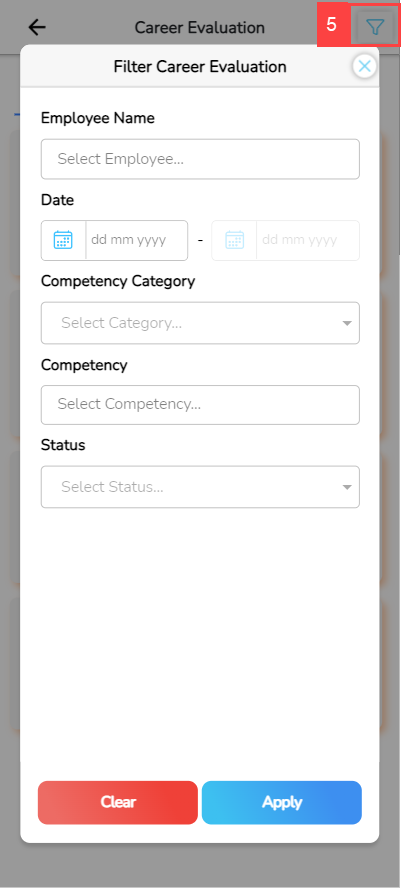 | This section will memfilter assessment owned by the user. The following is a detailed explanation of the fields in the Assessment filter: • Date: to filter periode assessment • Competency category: for filter categories from competency assessment • Competency: for filtering competencies assessment • Status: for filter work status assessment |
| 6 | 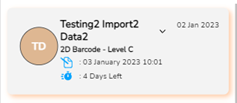 | Part shadow color on box The assessment shows remaining charging time competence • Orange: remainder 7 days • Yellow: remainder 14 days • Red: Already expired |